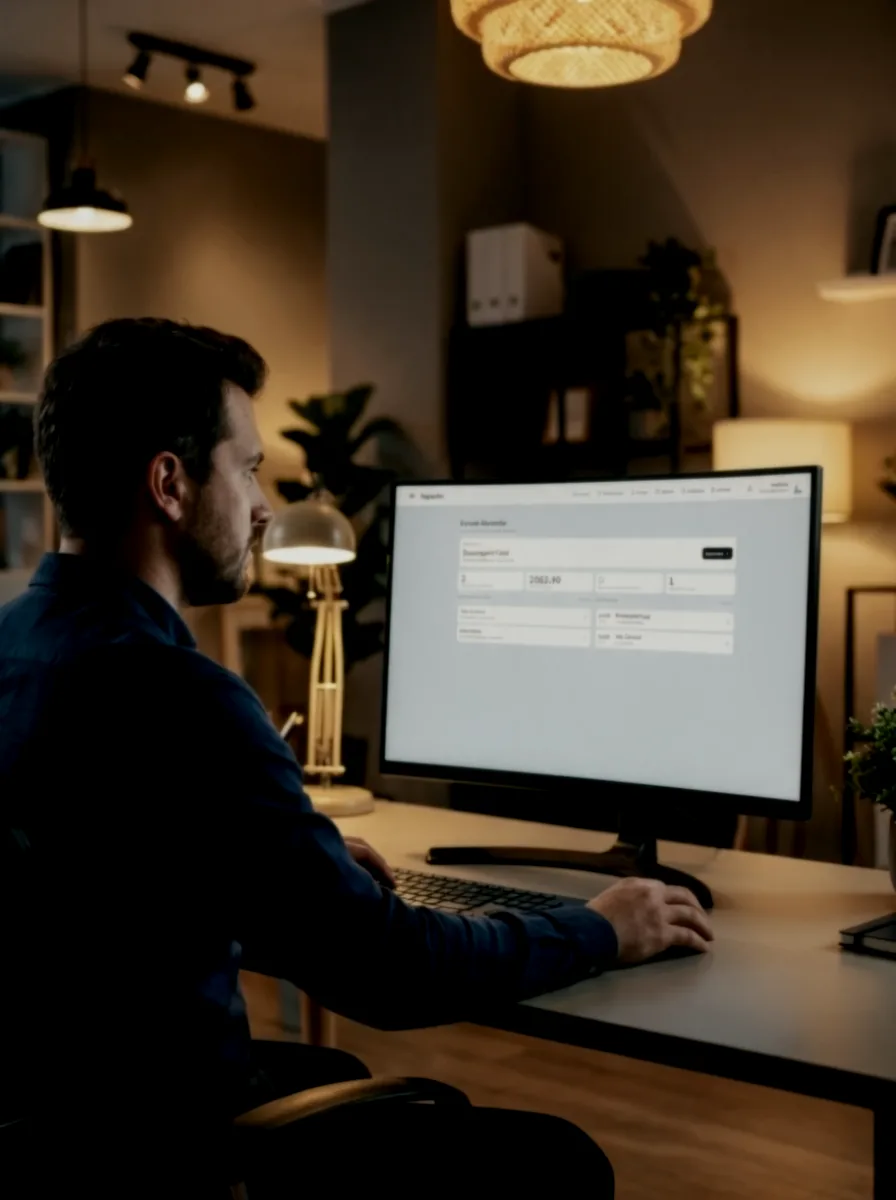
Inspectra Open the app
Works offline

Electrical inspections, from site to office.

The all-in-one Swiss app for electrical inspections. Scheduling, official reports, measurements, invoicing, teamwork and over 1,200 ready-written NIBT findings.

Download the user guide
Scroll

From the first appointment to the next inspection, with the same tools

Every step below happens in Inspectra. Scroll to explore the different sections.

The demonstration videos and sample documents are shown in French.

A calendar that knows your working hours

Put away the appointment book and spreadsheet. Enter information once and it appears in the report and on the invoice.

  • Day, week or month. A colour for each client makes the week easy to read and free slots easy to spot.
  • Drag to move an appointment. Pick it up wherever you grab it and drop it where you want it, to the nearest quarter-hour.
  • Your working hours are respected. Company hours, individual contracts and breaks are recorded, so appointments cannot be scheduled outside them.
  • Open directions with a tap. The appointment address goes straight to your navigation app.
  • The client is notified. The reminder is ready. All you need to do is send it.
  • Hours are counted automatically. View each team member’s hours over your chosen period, including holidays and absences.

Open the appointment and start the report: the client, address and times are already there.

Everything is included, with nothing else to buy

No extra modules and no features reserved for a higher plan.

Over 1,200 NIBT 2025 findings

Organised into 10 sections of the trade glossary. Each finding includes its severity, deadline and supporting references to the standard, checked individually against the official text.

Measurement reports

USIE 133-F and its Electro version, test report, EV report for charging stations and PV report for photovoltaics. Official layout, 25 circuits per page.

Defect photos

Take a photo from the finding’s row without leaving the report. Resize it by touch, add a caption and print it in its place in the document.

Inspection due dates

The interval you select becomes a date in the client record. The nearest due dates come first, so you can see who to follow up with without keeping a separate list.

Swiss QR-bill

Official format, structured reference with its check digit. Your bank’s camt file reconciles payments and suggests matches.

Verifiable archiving

A SHA-256 content fingerprint, server-enforced locking and a readable history of who changed what and when. The archived PDF remains available years later.

The finance centre

Invoiced, paid, pending and overdue. Quotations, invoices and credit notes in one place.

Your whole team, for very little

Add another team member at a very low cost. Everyone has their own account, hours and appointments, without upgrading plans or negotiating licences.

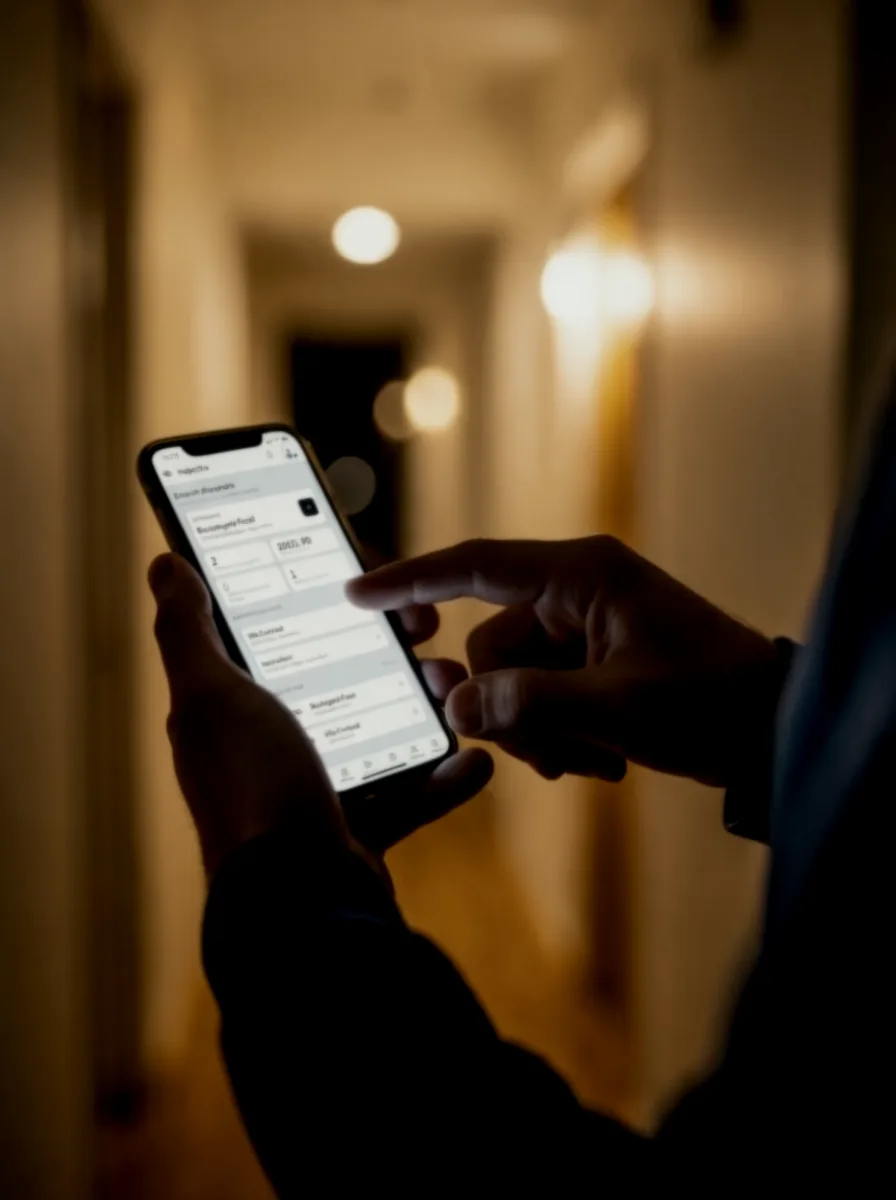
Your entire file comes out of Inspectra

What you fill in on screen is exactly what gets printed. No Word templates to maintain and no layout to fix before sending.

The official documents

Safety certificate, inspection report with defects and photos, USIE 133-F measurement report and its Electro version, test report, EV report for charging stations and PV report for photovoltaics.

The supporting documents

Defect rectification notice for the installer, covering letter to the owner and a blank page for anything that does not fit into a form.

And your own

A plan, a manual or a report from another inspection body: import your PDF as a page in the file and print it with everything else. It all goes out as one document.

Here are all the documents exactly as they come out of the app.

The demonstration videos and sample documents are shown in French.

One plan, everything included.

Per inspection body

19.90CHF per month

or 199 francs a year, with two months free

  • One user included
  • Additional team member for 12 francs
  • All official documents
  • Over 1,200 NIBT 2025 findings
  • QR-bills and payment tracking
  • Updates included
Free 14-day trial

No credit card. No commitment. Cancel at any time.

Frequently asked questions

How do I send documents to clients and network operators?

Inspectra prepares the delivery of your inspection reports, safety reports and measurement protocols as PDFs. Attach the files in your email application or upload them to the network operator’s portal, then confirm delivery in the dossier to record the date. Sending is not automatic.

Which languages does Inspectra support?

The application, website and guides are available in French, German, Italian and English. Some document labels remain in French or are bilingual; the demonstration videos are in French, and the presentation video is available in French and German.

Can I try Inspectra for longer than 14 days?

The standard trial lasts 14 days, with no payment card required. A longer trial is possible on request, considered individually, particularly when evaluating Inspectra alongside your current system.

How do I move my existing clients to Inspectra?

You can import your client list from an Excel or CSV file, including a bexio contact export. In Inspectra, open Clients → Import clients, choose your file, then review the proposed information before creating the records. This avoids retyping each client’s contact details. Previous reports are not transferred by this import; you can attach your PDFs to the relevant projects. You can start with a few clients and keep your existing workflow during the transition. Need help with your file? Write to us at contact@inspectra.ch.

Can I work on my phone and without a connection?

Yes, with Chrome, Edge or Safari. First open your projects with a connection and wait until they are ready offline. Reconnect to sync, create new projects, validate or deliver documents, and before switching devices.

Can I arrange a demonstration?

Yes, by appointment, in French only. For other languages, PDF guides are available and we answer emails in your language: contact@inspectra.ch.

Your next inspection starts in your pocket.

Fourteen days to try it on a real job, from the distribution board to the invoice.